
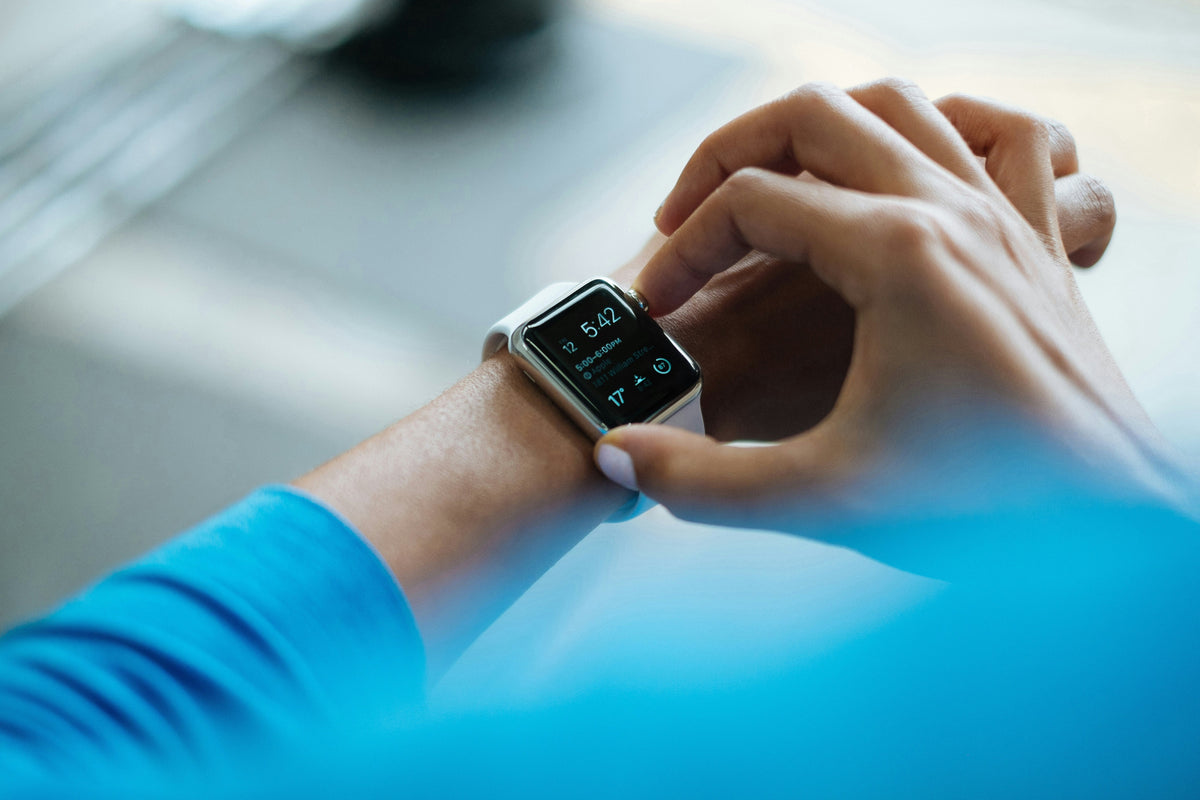
Training status, recovery time and heart-rate graphs can be useful, but you don’t have to pay equal attention to all of them. Here’s how to choose the features that help your running.
The highlights
- Decide which running question you want a device to answer before deciding how much technology you need.
- Training and recovery scores are model-specific estimates, not diagnoses or judgements on your effort.
- You can simplify the screen, reduce unnecessary alerts and review your sharing settings without giving up the features you enjoy.
A watch can tell you how far you ran and when to start the next interval. Then, once you’ve finished, it may offer a training label or recovery estimate you’re much less sure what to do with.
That can be confusing when the run felt good but the numbers suggest otherwise.
There is nothing wrong with enjoying running data. You might enjoy studying every split, or prefer to glance at the time and leave it there.
The useful question is not whether watches are good or bad. It is whether the way you use yours supports the kind of running you want to do.
What would you like the watch to do?
Before adding features, identify the decision you are trying to make.
Do you want to know how long you have been out? Follow timed run-walk intervals? Check your distance? Find your way around an unfamiliar route? Review training with a coach?
Those are different jobs. Try to write down your two most useful ones and let them guide what you use or buy.
For simple timing, you may already have what you need in a phone or basic timer. More specialised features should earn their place by solving something you actually care about. A longer feature list is only useful when you’ll use the extra features.
There is no requirement to replace a working device because somebody else’s has more graphs. Equally, you are allowed to enjoy a capable watch because you genuinely like it. Choose around what you enjoy and what you can comfortably spend.
Separate a recorded value from an interpretation
A duration tells you how long an activity lasted. A training-status label attempts to say something about what your recent training means. Those are not the same kind of information.
In the Garmin fēnix 7 manual, for example, training status is described as an estimate based on changes in training load and estimated fitness over time. The manual also explains that the device needs activity history before its estimates settle. That is a description of that feature, not proof that every watch calculates every score in the same way.
The distinction is useful whenever a label feels personal. The label comes from particular inputs and assumptions. It cannot account for everything about your body, circumstances or reasons for running.
Read the documentation for your own model before responding to an alarming-sounding term. Ask what it measures, what data it needs and what the manufacturer actually says it is for.
What does the recovery time mean?
Recovery features are a good example of why definitions matter.
Garmin’s Forerunner 970 manual describes recovery time as an estimate of readiness for the next hard workout. It uses estimated fitness and is updated using information including sleep, stress and activity. It is not described as a countdown until you are allowed to move again.
Nor should it be treated as confirmation that an injury has healed. A training feature and a clinical assessment answer different questions.
Try to read the score alongside your plan and how you feel, rather than turning it into an isolated instruction. When symptoms, illness or injury are involved, seek appropriate advice. A favourable number does not remove that need.
When you’re unsure how an estimate relates to your training, discuss it with your coach rather than changing the whole week around one reading.
Keep the numbers that help you make decisions. Hide the ones you never use.
Heart rate is personal; comparison needs care
Seeing a friend’s heart-rate trace does not tell you what your own should look like.
The British Heart Foundation explains that heart rate is influenced by factors including fitness, age, health and medicines. Some medicines, including beta blockers, affect heart-rate responses. Its guidance also stresses that unusual symptoms deserve attention.
That is why copying someone else’s zones or interpreting one reading without context can be unhelpful. Discuss appropriate exercise intensity with a clinician when a health condition or medication makes general guidance unsuitable for you.
There is another practical layer: how the device is worn and what its sensor can measure. Apple’s heart-rate guidance explains that fit and individual factors affect readings and that its watch cannot obtain a reliable reading every time for everyone. Check your own manufacturer’s instructions rather than assuming every unexpected reading is a fitness problem.
If you have concerning symptoms, stop and seek appropriate help. Do not use a reassuring screen to argue yourself out of getting assessed.
Design a calmer running screen
Look at the data fields on your main running screen. Which ones do you actually need to see while you’re moving?
For an easy outing, you might choose elapsed time and nothing else. For planned intervals, perhaps the current interval and the next change are enough. For an unfamiliar route, directions may be the useful priority.
These are suggested setups, not claims that every model offers identical customisation. Check the settings available on yours.
Then review alerts. Which ones help you complete the session you intended? Which ones mainly encourage you to keep glancing down? Keep essential safety-related functions in mind; this is about reducing unnecessary training noise, not disabling protection without understanding it.
Try your simpler arrangement on a familiar, straightforward outing. Afterwards, ask whether anything important was missing. Add back what helped. You don’t have to begin with the busiest possible display and tolerate it forever.
Decide what you will look at afterwards
A useful review can be smaller than the app makes it look.
You could begin with three questions: did I do the session I intended, how did it feel, and is there anything I need to change next time? Look at the relevant data after that.
For example, when the plan was a relaxed run with a friend, the first question is not automatically whether your pace improved. When the aim was practising intervals, the interval record may be more relevant than a predicted race time.
You can also add a short note about context: a disrupted night, a different route, an interrupted session or something you enjoyed. These notes give you context that may be missing from the graph when you look back a few weeks later.
A good record should help you understand your running, not turn it into a collection of unexplained verdicts.
Keep sharing as a choice
A recorded activity doesn’t have to be a public one.
Review who can see your activities and what route information is visible. Strava explains that map visibility and activity privacy are separate controls; hiding route details does not itself change the whole activity’s audience. It also cautions that a location may still be inferred from other information.
Check connected services as well, rather than assuming one setting changes everything everywhere. Try to inspect a shared activity from the viewer’s perspective where the platform allows it.
Choose the audience that feels appropriate for you. You can share a finish photograph while keeping the route from your front door private.
Before buying an upgrade, run a small experiment
Use your existing setup deliberately for a couple of outings. Note what you genuinely missed.
Was it battery life for your intended activity? A display you could read comfortably? A useful navigation function? An accessible control? A feature your coach needs?
Now you have a shortlist grounded in your experience. Compare the relevant model documentation, compatibility, subscription requirements and current price before spending. This article does not rank products or claim hands-on testing.
You may discover a clear reason to upgrade. You may discover that changing two settings solved the problem. Either way, you’ll know more about what you need before spending money.
And when simple timing is all you need, there’s little reason to complicate it.
Make room for a run that does not need explaining
Your interest in the numbers may change with the session. Detailed splits can be useful during a training block; on a social run, you might prefer to record quietly and look later.
Keep the parts of technology that make running more useful, interesting or enjoyable for you. Question the parts that repeatedly pull you away from why you went out in the first place.
For your next run, try keeping only the information you need on the main screen. See whether you miss the rest before adding it back.
Love RW x
General information, not medical advice or a product review. Wearable features vary by model and software version. Training estimates do not diagnose illness, assess an injury or replace healthcare advice.
More from Running Woman
Read what pace you should actually run or running after dark.
Sources and further reading
- Garmin fēnix 7: Training status: an example of a manufacturer’s explanation of a model-specific estimate.
- Garmin Forerunner 970: Recovery time: September 2026 manual; readiness for another hard workout, not an injury-clearance tool.
- British Heart Foundation: Heart and pulse rate: individual influences and when symptoms need attention.
- Apple Watch: Heart rate: wearing and measurement limitations; features and instructions depend on the device.
- Strava: Map visibility: route-sharing controls and their limitations.

